Using the Orthotics
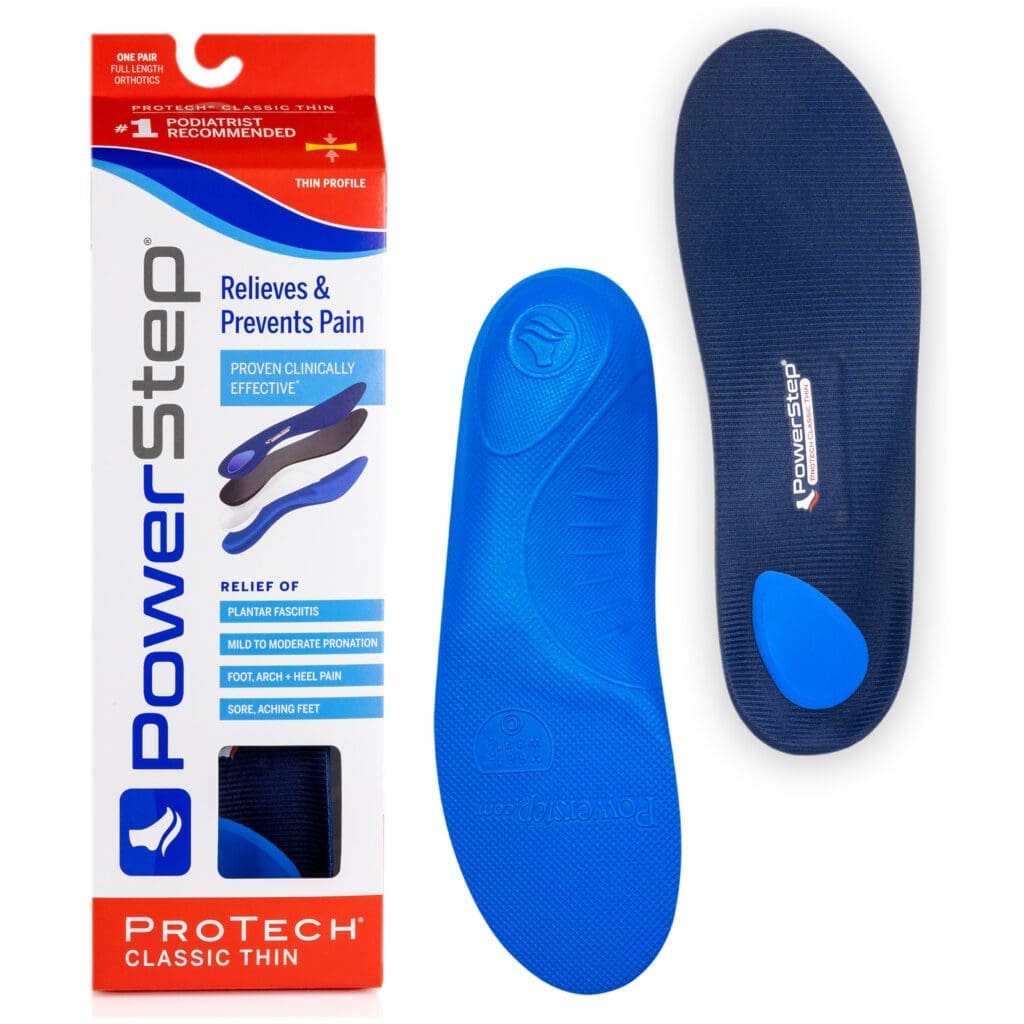
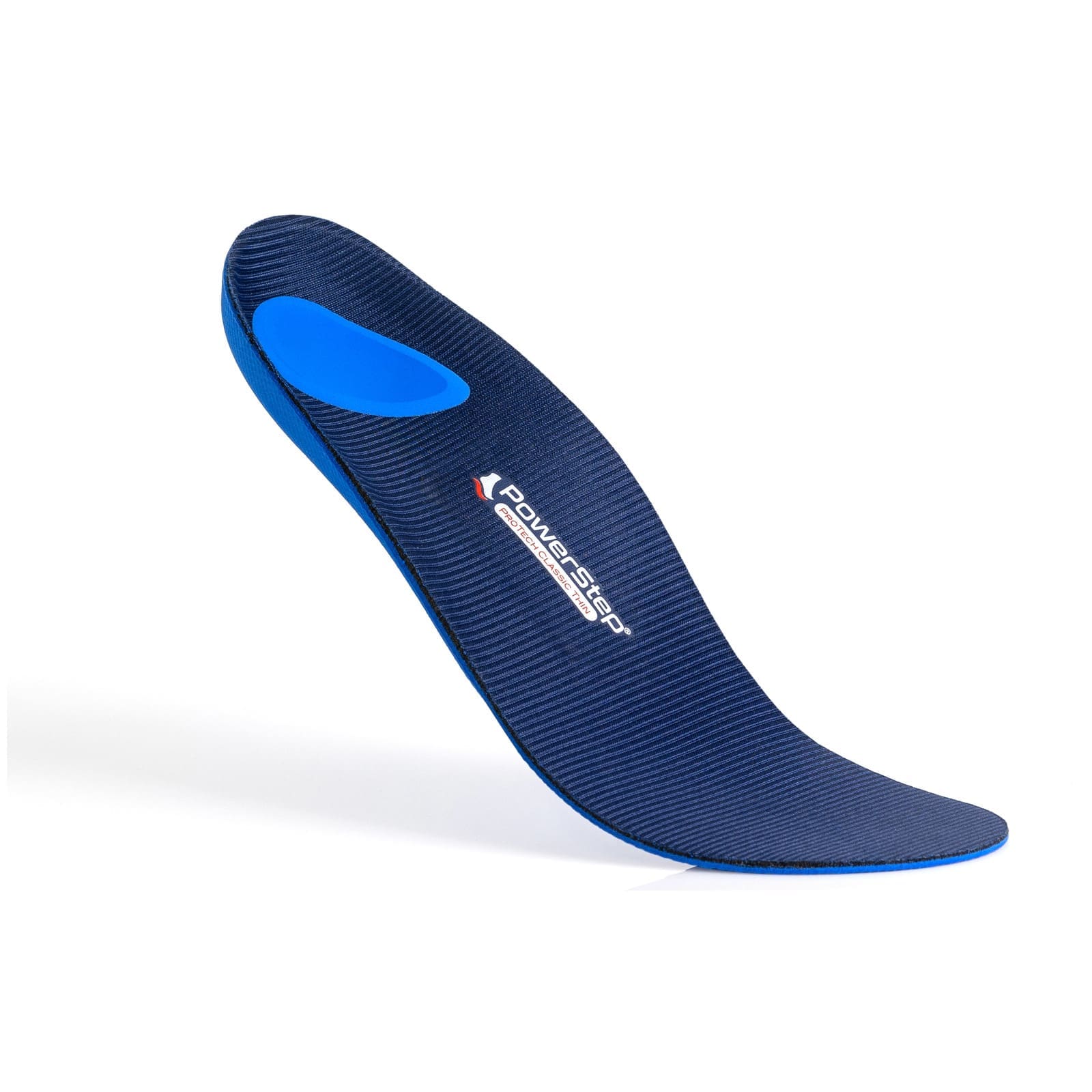
The PowerStep ProTech Thin is a full-length orthotic intended to replace the removable factory insoles in compatible footwear. The entire orthotic should lie flat inside the shoe without folding, shifting, or crowding the foot.
- Remove the existing factory insole or liner from each shoe.
- Confirm that the selected PowerStep size corresponds with your regular U.S. shoe size.
- Place each ProTech Thin orthotic inside the corresponding shoe with the fabric side facing upward.
- Push the orthotic fully back so the heel cradle rests securely against the back of the shoe.
- Make sure the orthotic lies flat from heel to toe and does not curl or buckle along the edges.
- Put on the shoes and confirm that there is adequate heel security, toe room, and overall comfort.
Choosing a Size
The ProTech Thin is available in 11 sizes covering men’s U.S. shoe sizes 3 through 15 and women’s U.S. shoe sizes 5 through 12. Select the size that corresponds with your regular shoe size; PowerStep describes its orthotic insoles as exact-fit products that normally do not require trimming.
- Size ASM fits men’s 3–3.5 and women’s 5–5.5.
- Size A fits men’s 4–4.5 and women’s 6–6.5.
- Size B fits men’s 5–5.5 and women’s 7–7.5.
- Size C fits men’s 6–6.5 and women’s 8–8.5.
- Size D fits men’s 7–7.5 and women’s 9–9.5.
- Size E fits men’s 8–8.5 and women’s 10–10.5.
- Size F fits men’s 9–9.5 and women’s 11–11.5.
- Size G fits men’s 10–10.5 and women’s 12.
- Size H fits men’s 11–11.5.
- Size I/J fits men’s 12–13.
- Size K fits men’s 14–15.
Choosing Appropriate Footwear
The ProTech Thin is designed for tighter-fitting shoes that cannot comfortably accommodate a thicker, maximum-cushion orthotic. PowerStep specifically identifies dress and casual shoes as appropriate uses for this thinner model.
- Use the orthotics in shoes with removable factory insoles whenever possible.
- Confirm that the shoes have enough length, width, and depth for the orthotics to lie completely flat.
- Do not force the orthotics into shoes that cause the edges to curl or the forefoot to buckle.
- Make sure the added support does not crowd the toes or cause the heel to lift out of the shoe.
- Check the fit separately in every pair of shoes because interior dimensions can vary between styles and manufacturers.
Adjusting to the Support
Structured orthotics may feel firmer than standard factory insoles. PowerStep states that most new users need approximately one to two weeks to become accustomed to wearing orthotic insoles.
- Begin by wearing the orthotics for a limited period rather than for an entire day.
- Gradually increase your wear time as your feet become comfortable with the structured arch support.
- Remove the orthotics and reduce your wear time if you experience significant discomfort during the adjustment period.
- Consult your healthcare professional if discomfort persists or becomes worse rather than gradually improving.
Important Safety Information
- Select an orthotic that matches your arch type, footwear, activity level, and support needs.
- Do not use an orthotic that is folded, damaged, excessively worn, or unable to lie flat inside the shoe.
- Discontinue use and consult an appropriate healthcare professional if you experience persistent or worsening pain, numbness, skin irritation, pressure areas, or changes in walking comfort.
- People with diabetes, reduced foot sensation, impaired circulation, open wounds, or other conditions affecting the feet should follow the recommendations of their healthcare professional.
- The manufacturer lists the ProTech Thin for mild to moderate pronation; it does not include the firmer support or corrective heel wedge found in PowerStep’s ProTech Control models.
Cleaning and Care
- Spot clean the orthotics with a mild detergent.
- Do not immerse or soak the orthotics in water.
- Allow the orthotics to air dry completely before returning them to the shoes.
- Do not place the orthotics in a washing machine or clothes dryer.
- Keep the orthotics away from direct heat while drying.
- Inspect the cushioning, top cover, arch support, and heel area regularly for visible wear or damage.
Replacement
PowerStep states that its insoles generally last approximately six months or longer, although service life depends on frequency of use, footwear, activity level, and normal wear. Replace the orthotics when the cushioning becomes flattened, the support is damaged, or there is a noticeable reduction in comfort or support.
Manufacturer Guarantee
PowerStep states that its products are guaranteed to be free from defects in materials and workmanship and include a lifetime guarantee against breakage of the internal plastic foot support under normal conditions. PowerStep also advertises a 60-day satisfaction guarantee, but returns must be handled through the place of purchase and coverage may vary by retailer.